安装环境
视频教程
如果下载软件访问不了官网可以用网盘下载,链接:https://pan.quark.cn/s/2acce2d6575a
B站视频链接:https://b23.tv/OWMOO0R
安装谷歌浏览器
下载地址:https://www.google.com/intl/zh-CN/chrome/

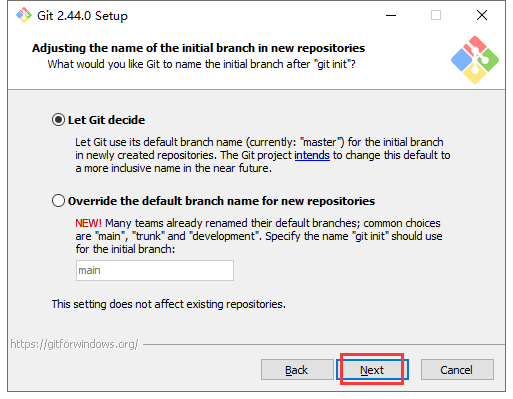
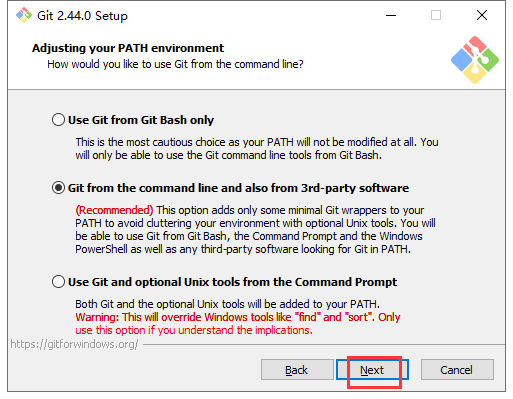
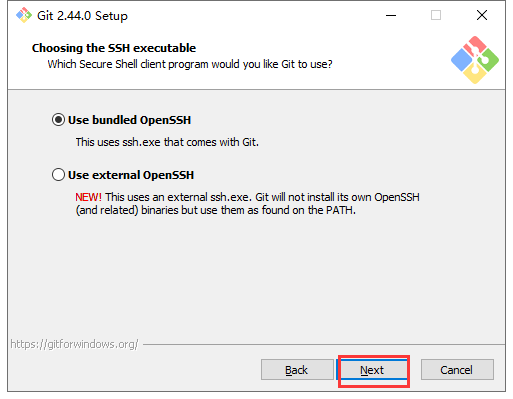
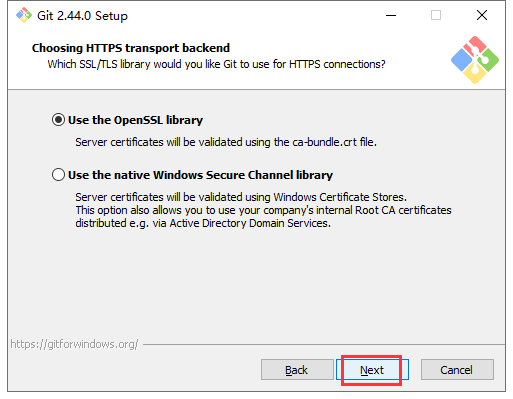
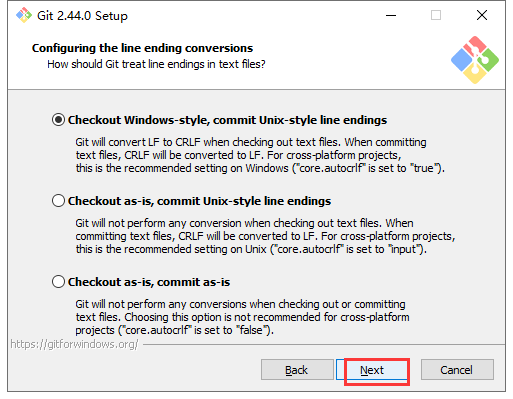
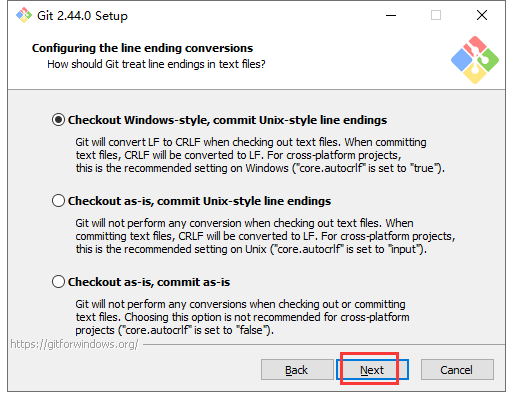
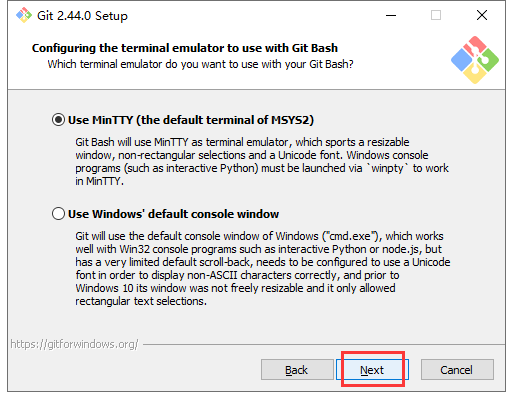
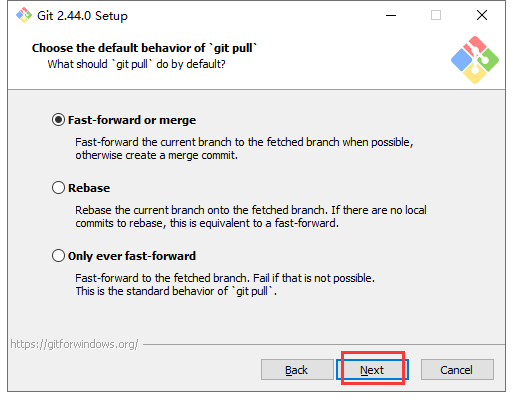
安装Git
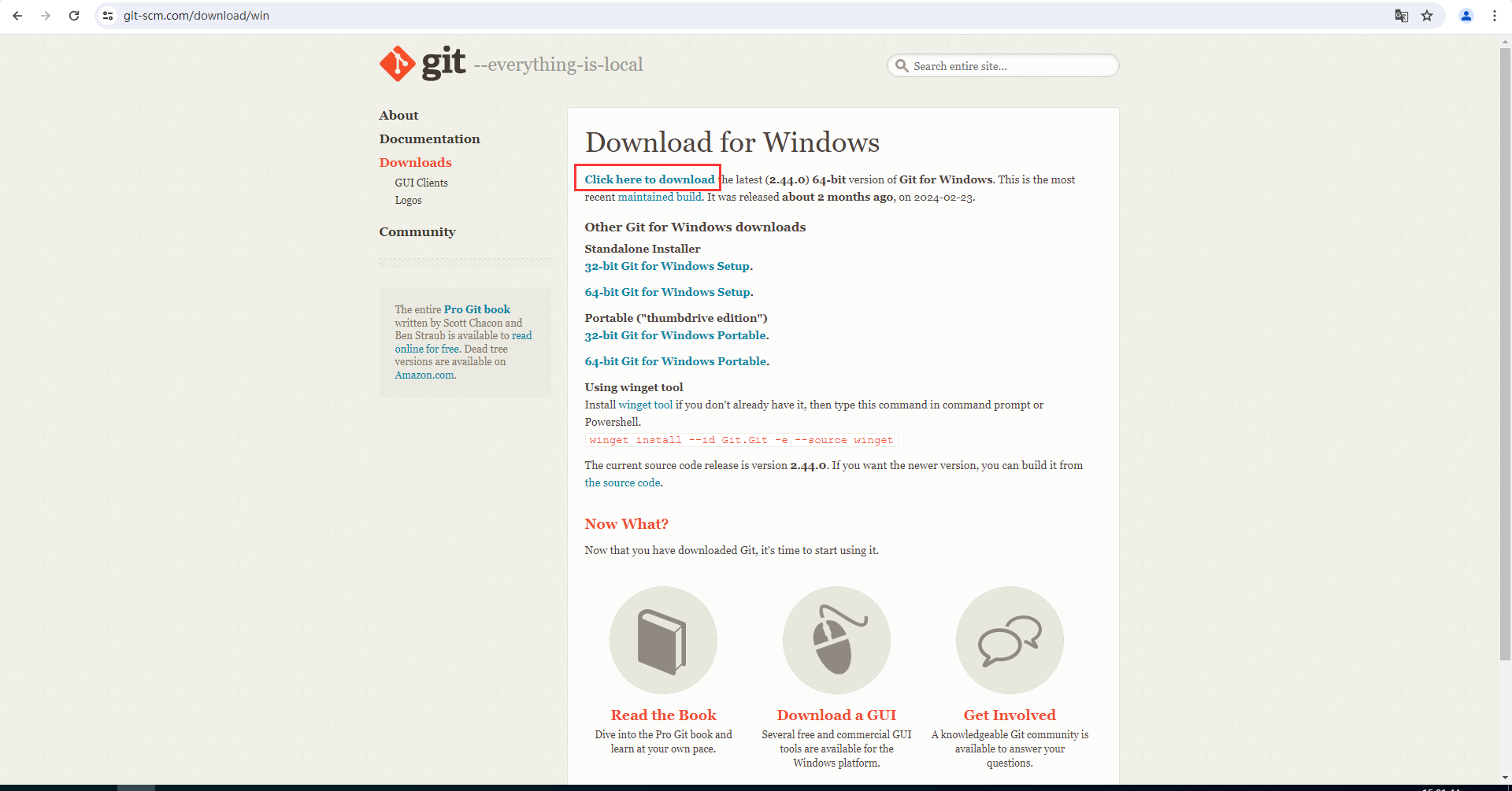
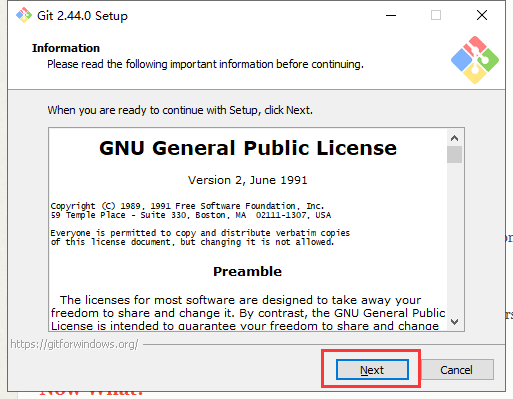
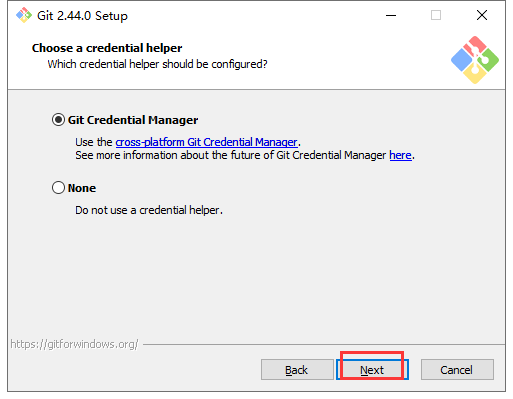
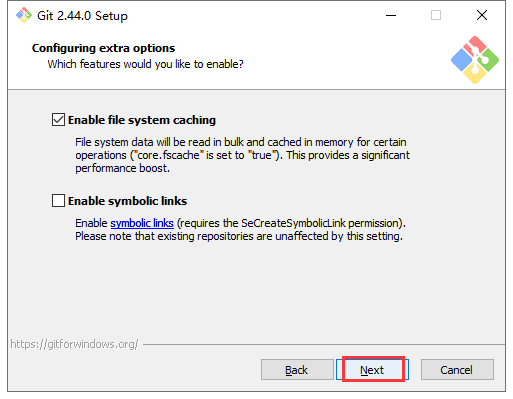
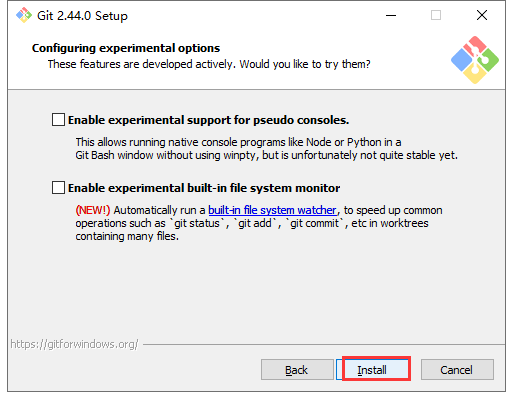
前往Git官网下载安装包,下载地址:https://git-scm.com/download/win
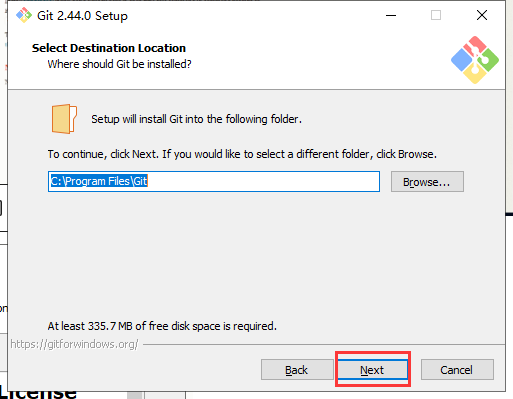
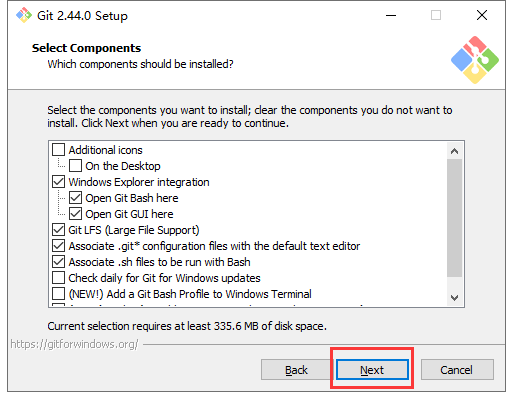
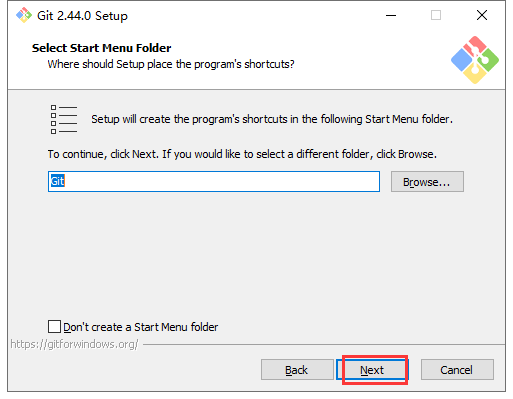
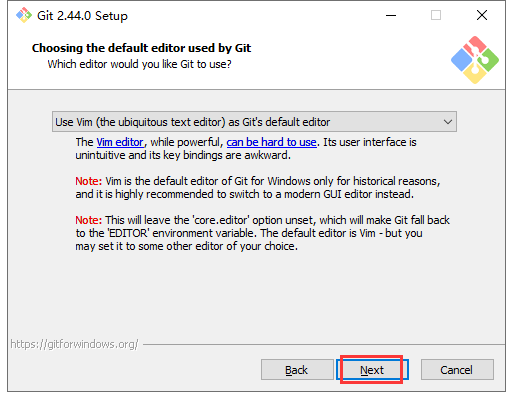

安装NodeJs
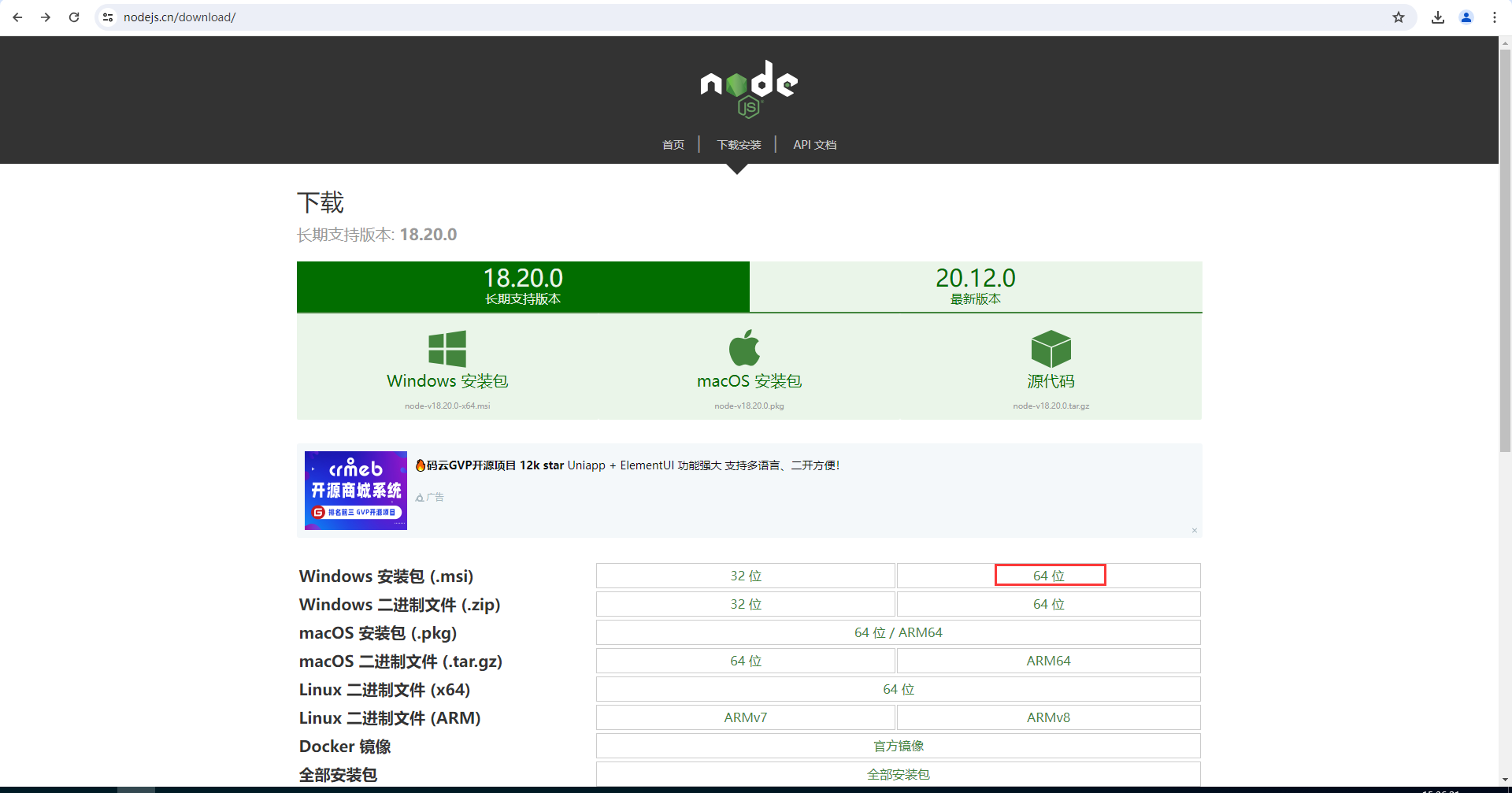
下载node.js,版本不得低于16,下载地址:https://nodejs.cn/download/
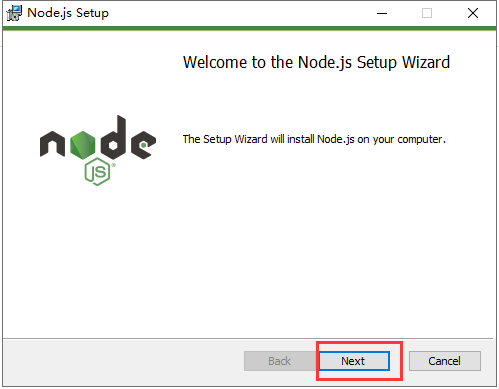
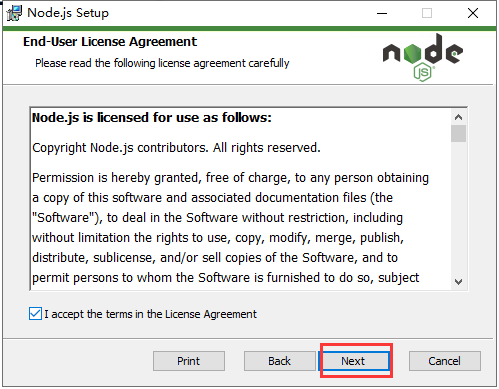

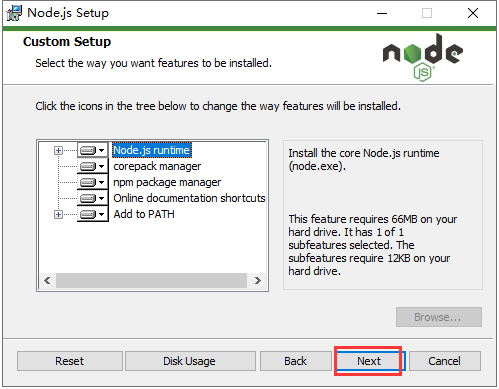
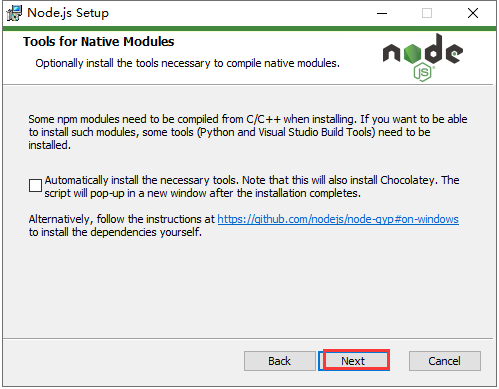

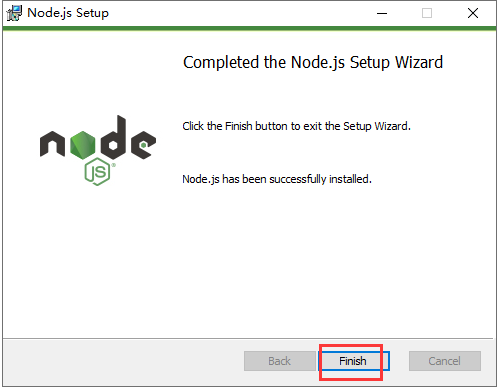
按Win+R进入cmd查看是否安装成功,出现版本号,即为安装成功
node -v #查看nodejs版本
npm -v #查看npm版本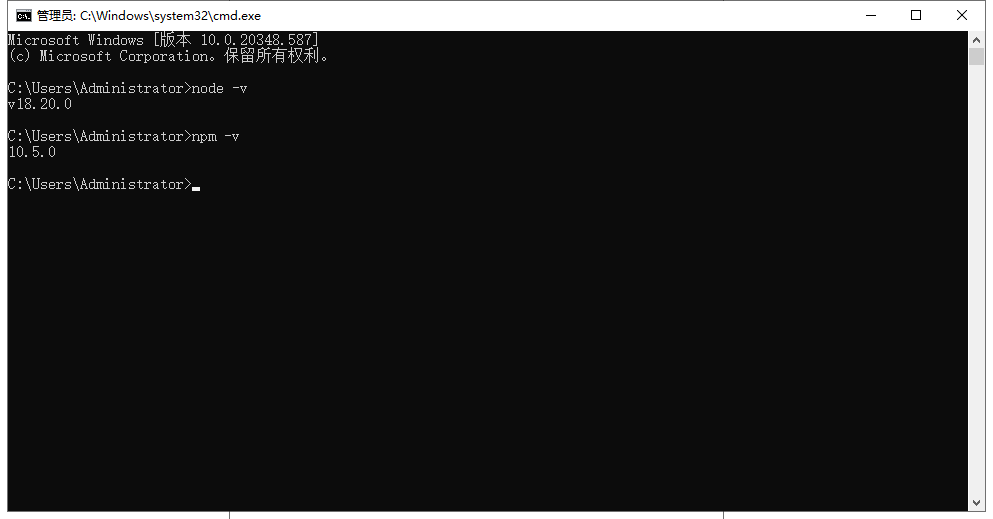
安装pnpm
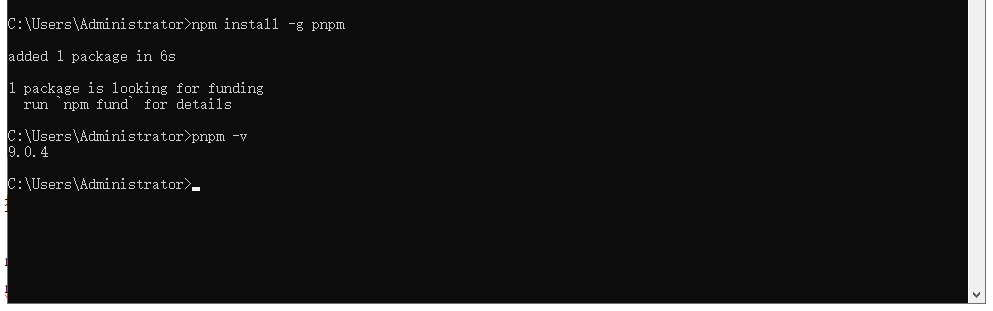
npm install -g [email protected] #升级npmnpm install -g pnpm #安装pnpmpnpm -v #查看pnpm版本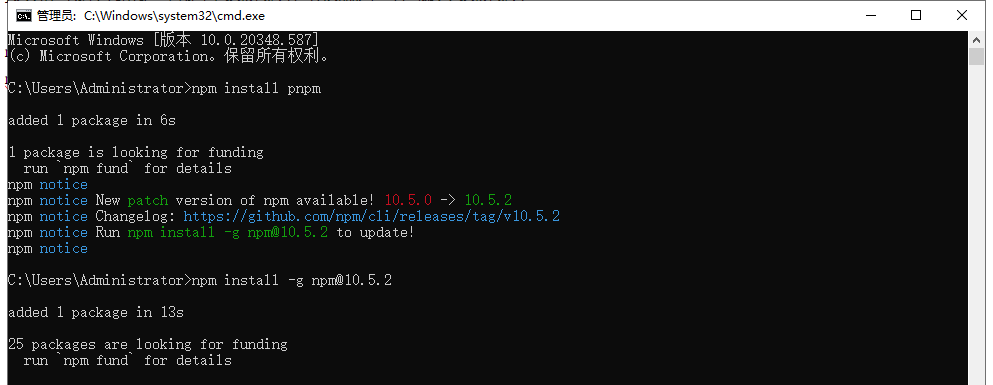
安装Redis
下载地址:https://github.com/tporadowski/redis/releases
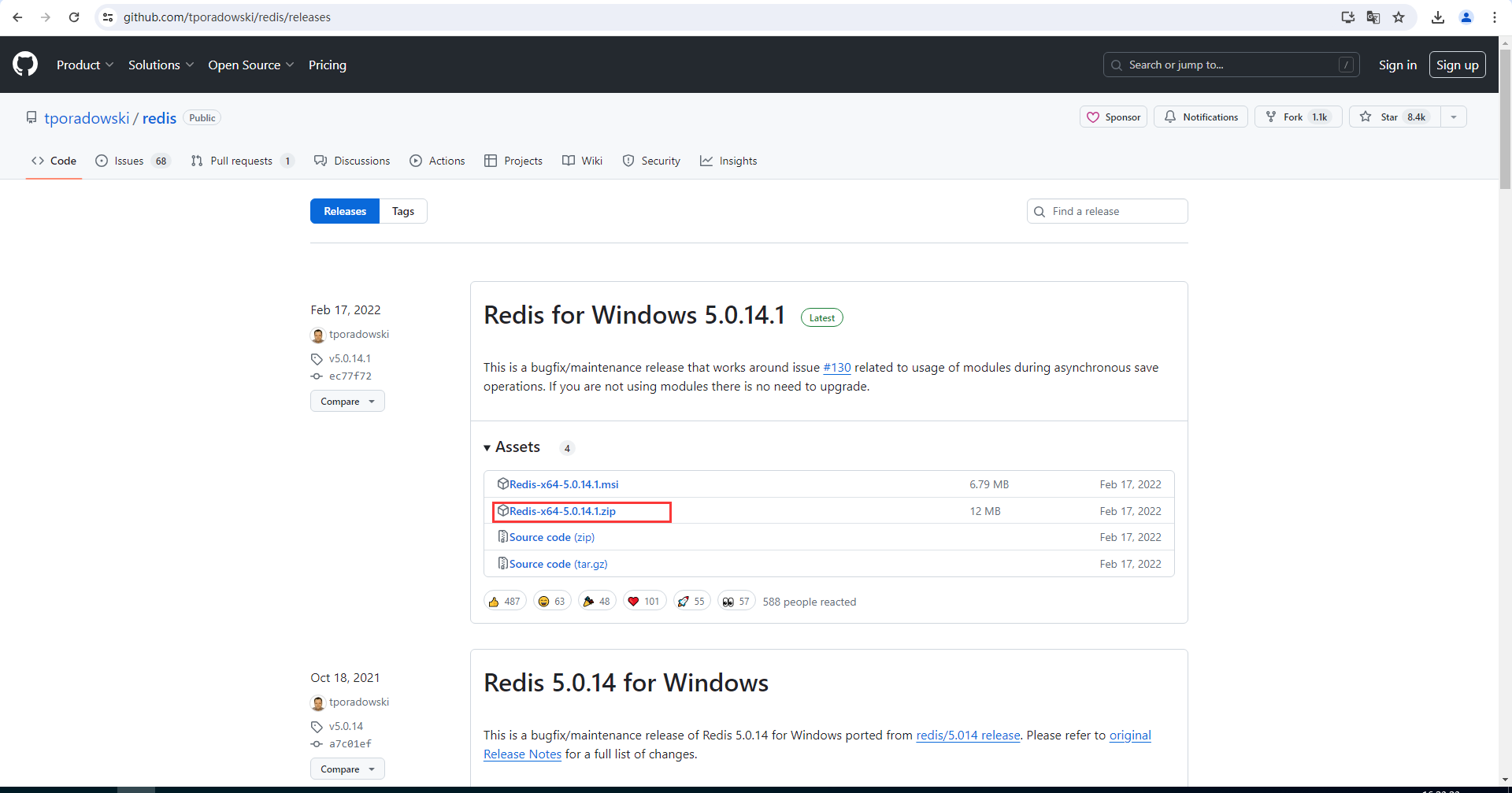
解压下载的文件

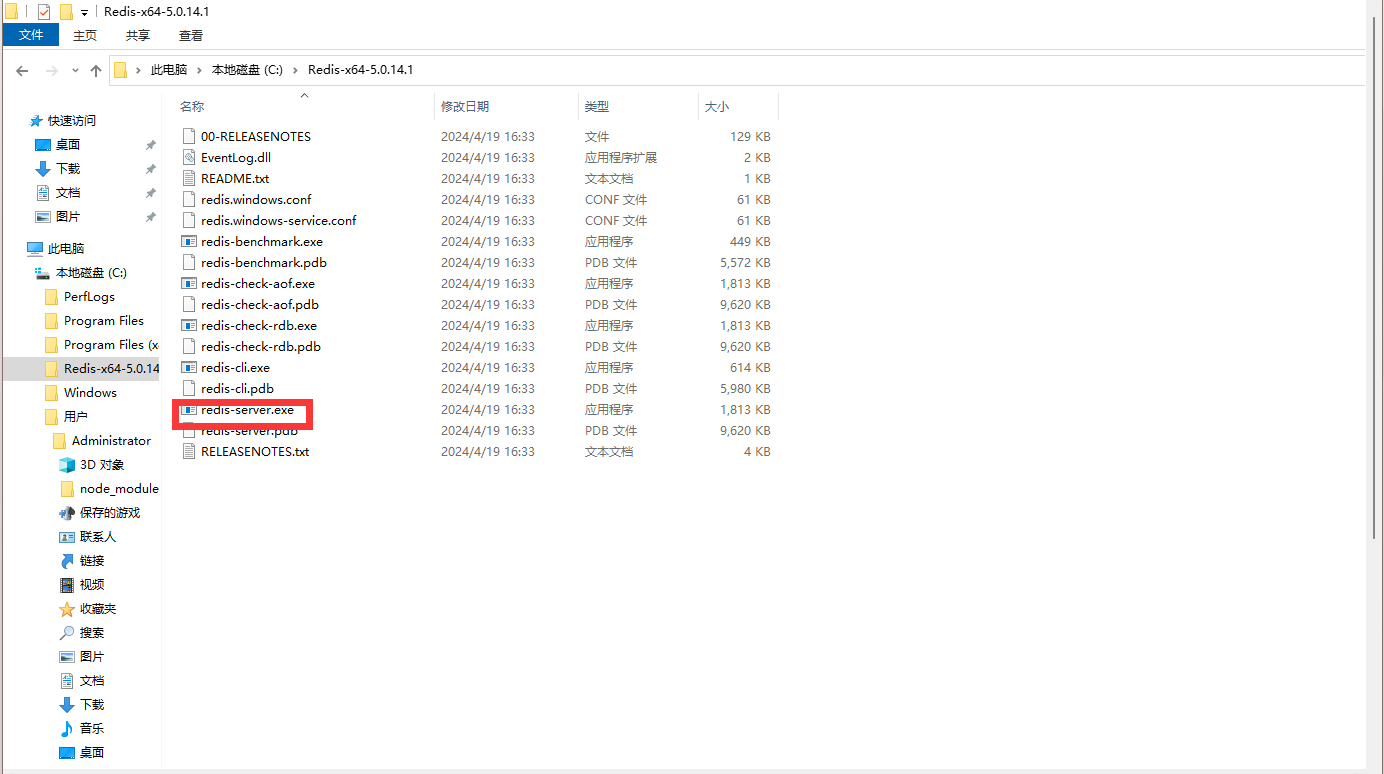
进入文件夹双击redis-server.exe文件
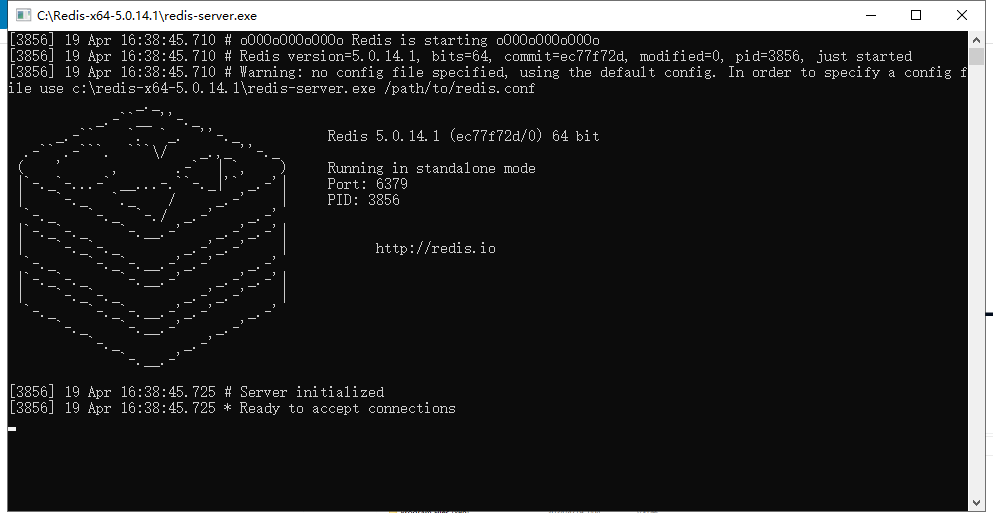
如果有弹窗,即表示安装成功且Redis正在运行,所以不要关闭
克隆喵崽
Gitee部署
git clone --depth=1 https://gitee.com/yoimiya-kokomi/Miao-Yunzai.gitGithub部署
git clone --depth=1 https://github.com/yoimiya-kokomi/Miao-Yunzai.git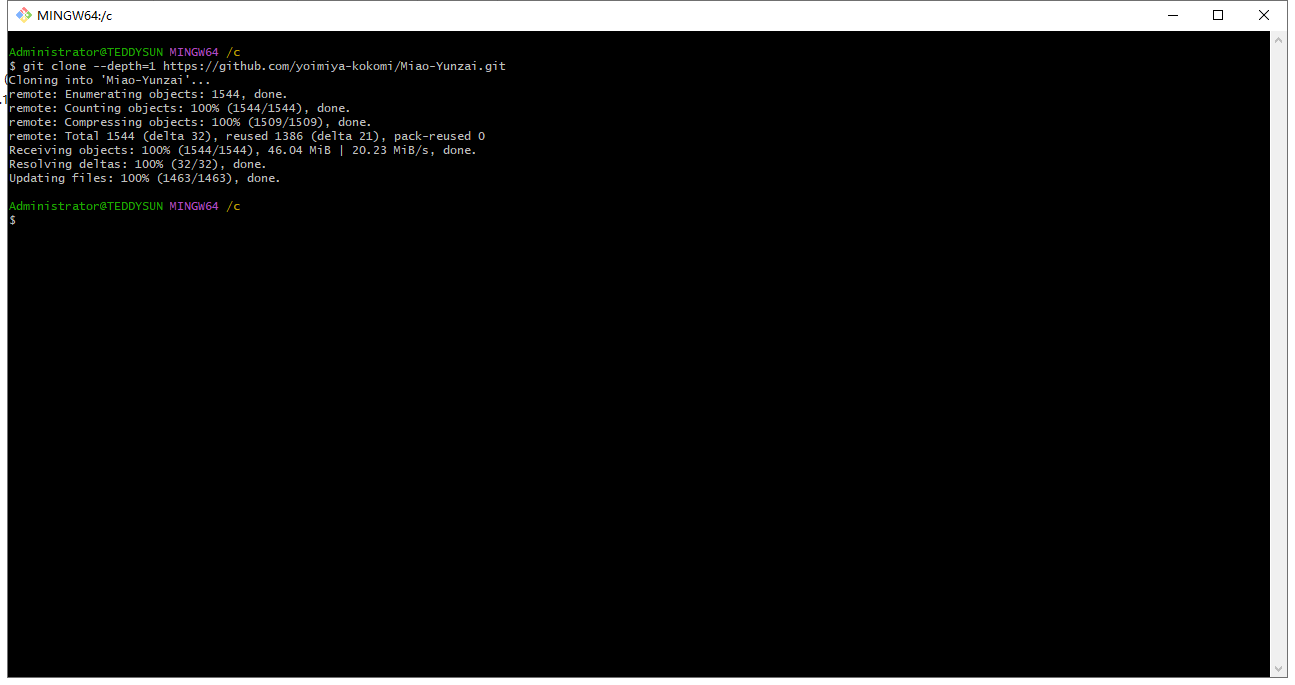
安装依赖
国内服务器先执行第一条命令再执行第二条
pnpm config set registry https://registry.npmmirror.compnpm install -P #进入喵崽根目录执行
搭建签名api
安装JDK
JDK下载地址:https://www.oracle.com/java/technologies/downloads/
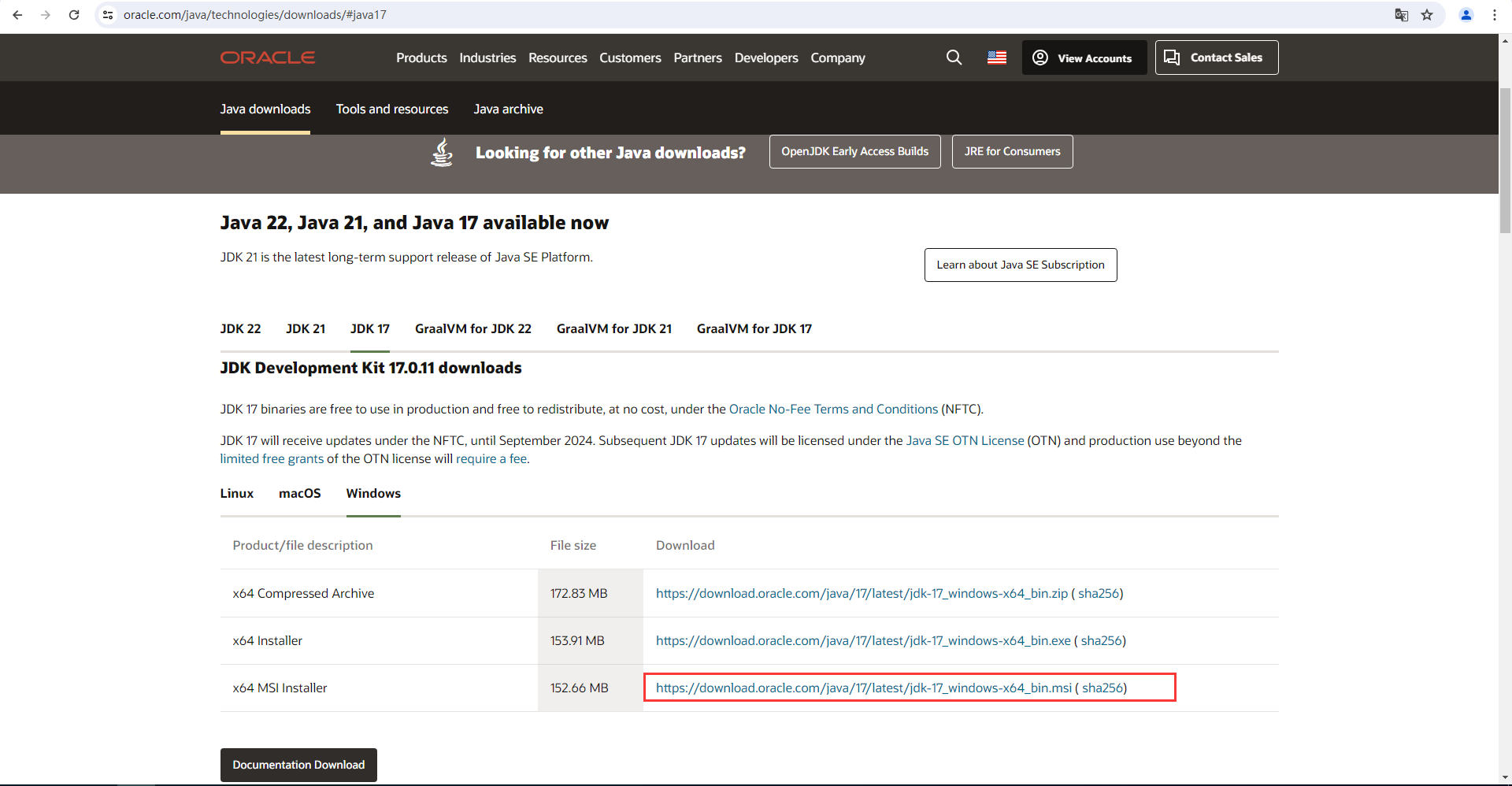
双击jdk-17_windows-x64_bin.msi安装JDK
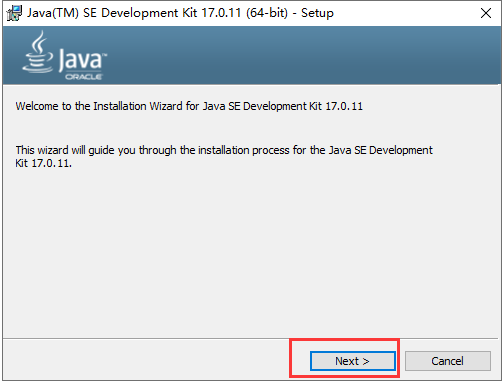
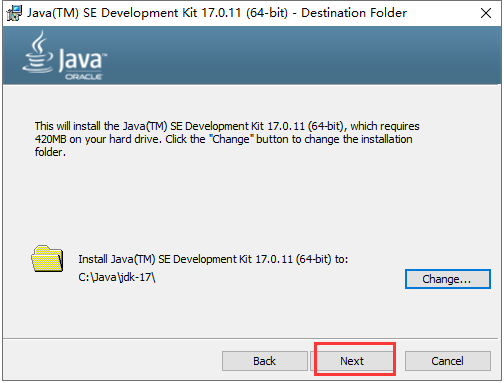
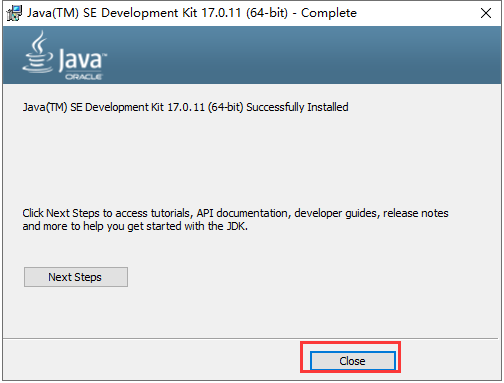
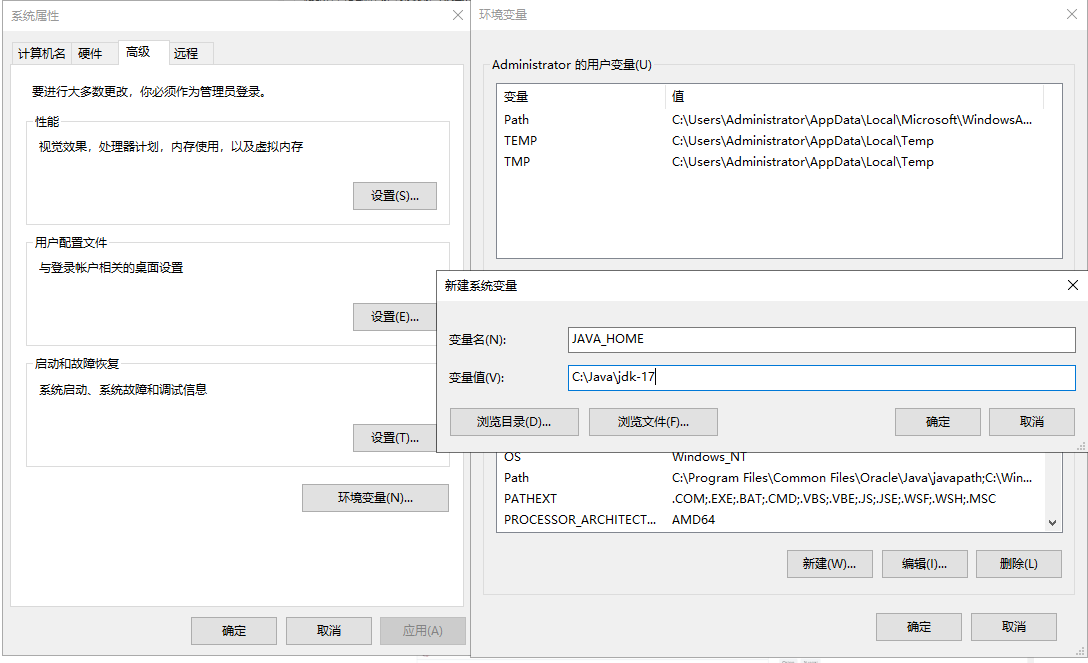
新建系统环境变量

添加变量名:JAVA_HOME变量值: C:\Java\jdk-17
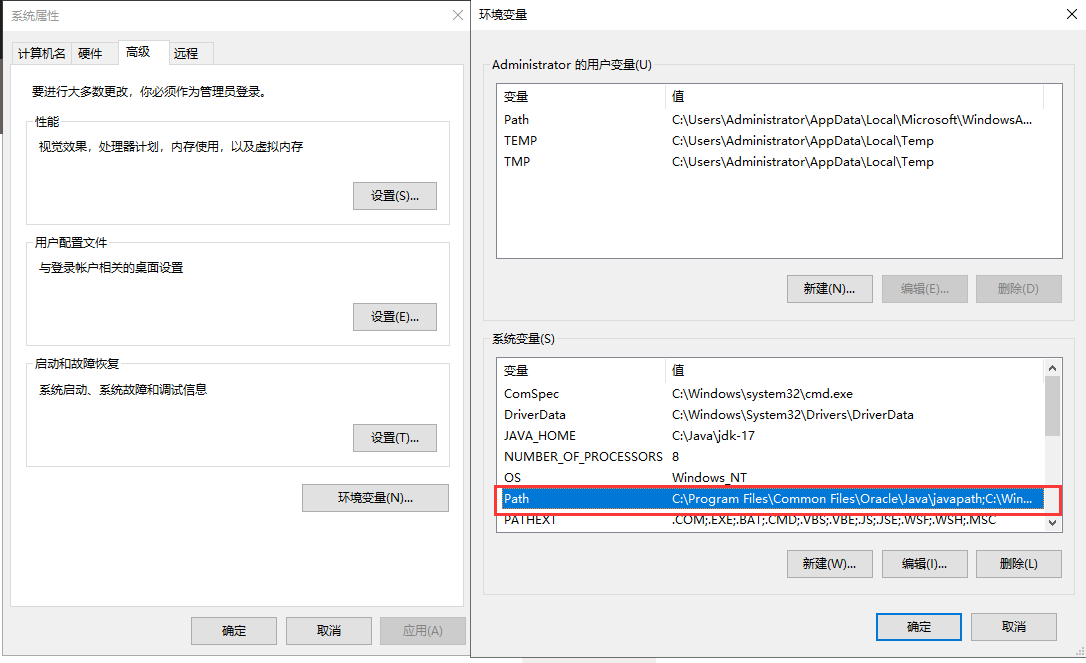
进入Path项
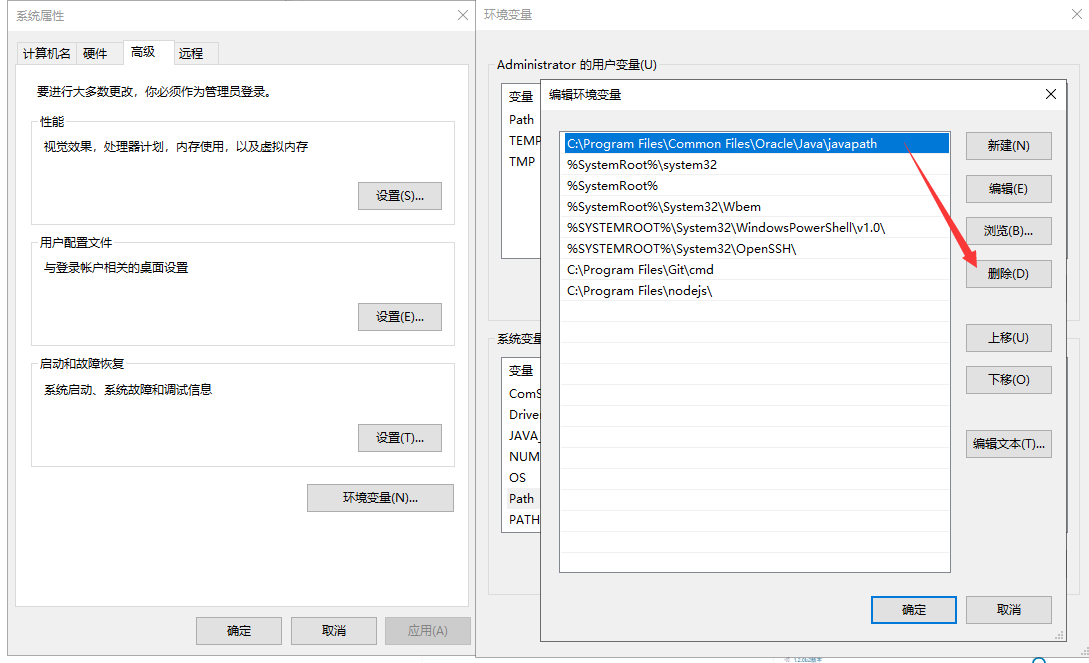
删除C:\Program Files\Common Files\Oracle\Java\javapath
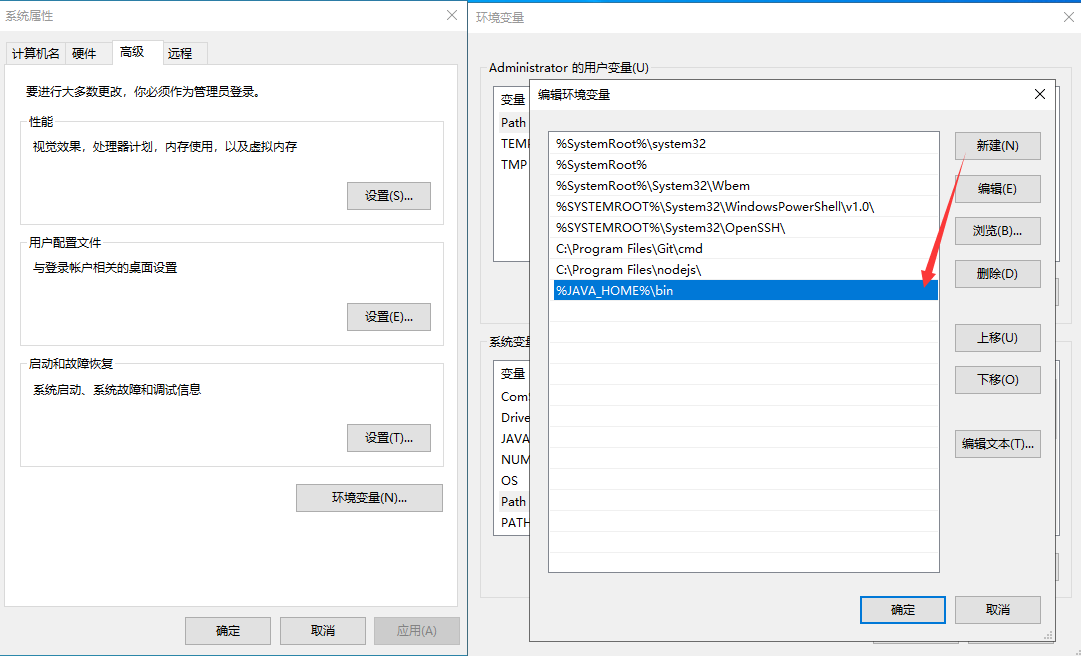
添加%JAVA_HOME%\bin,然后依次点击确定
查看是否安装成功
java -version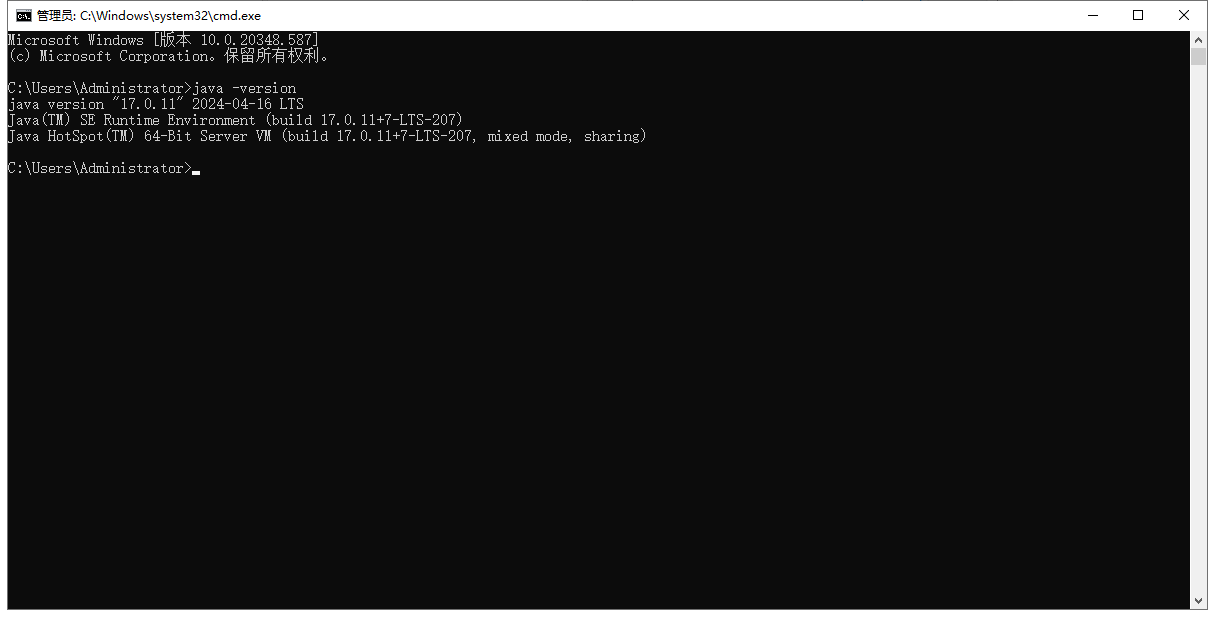
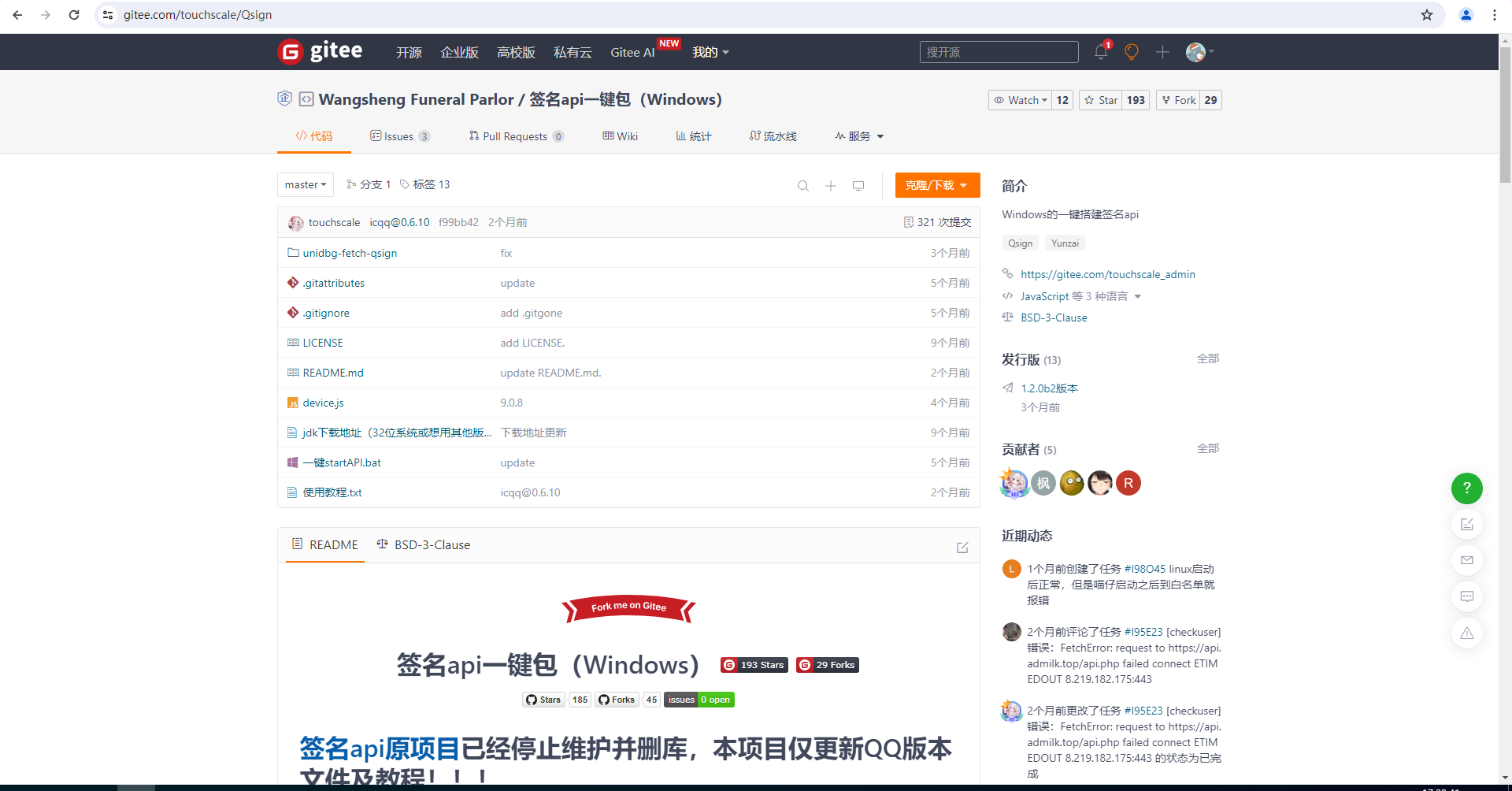
搭建签名api
项目地址:https://gitee.com/touchscale/Qsign
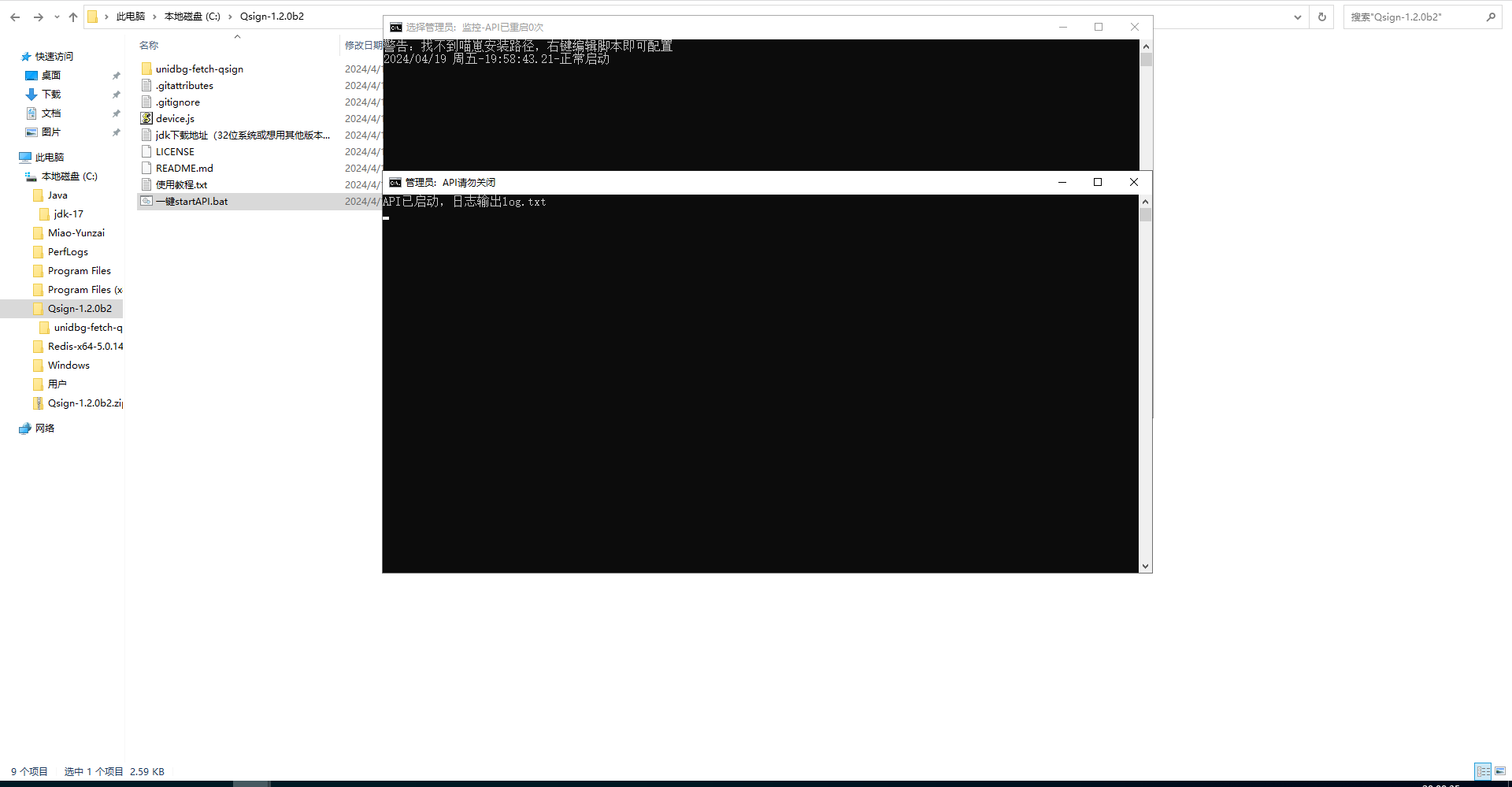
解压并双击文件一键startAPI.bat运行签名api
启动喵崽
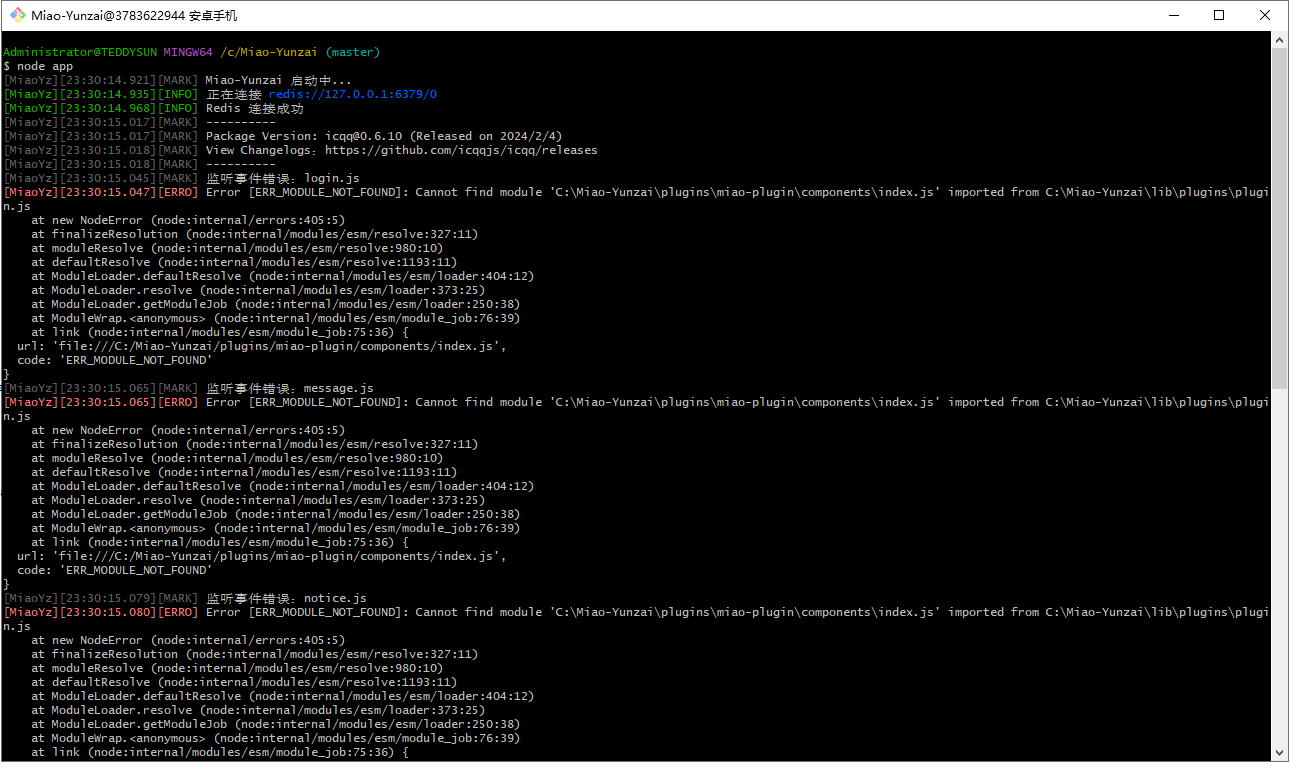
node app登录端口选择安卓手机,签名 api 地址为刚刚配置的
http://127.0.0.1:801/sign?key=114514如果出现下面报错,安装喵喵插件即可
Gitee安装
git clone --depth=1 https://gitee.com/yoimiya-kokomi/miao-plugin.git ./plugins/miao-plugin/Github安装
git clone --depth=1 https://github.com/yoimiya-kokomi/miao-plugin.git ./plugins/miao-plugin/安装依赖
pnpm install -P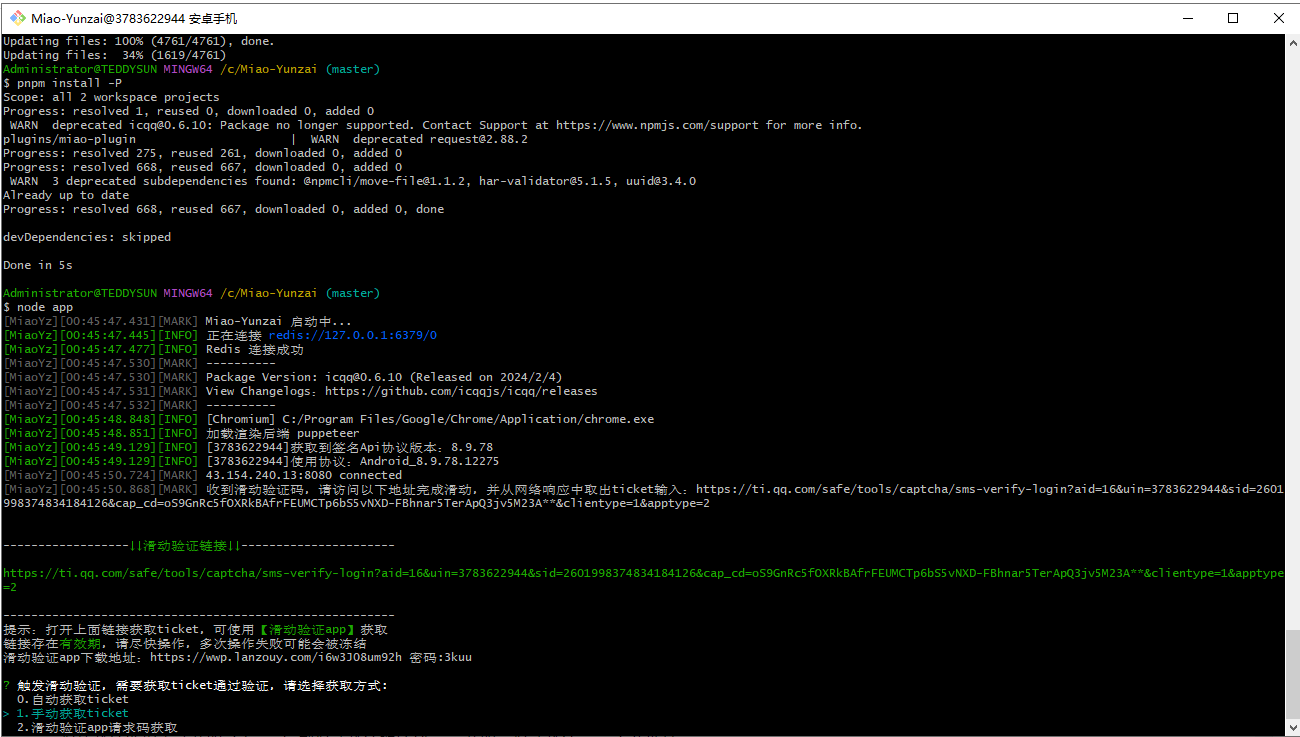
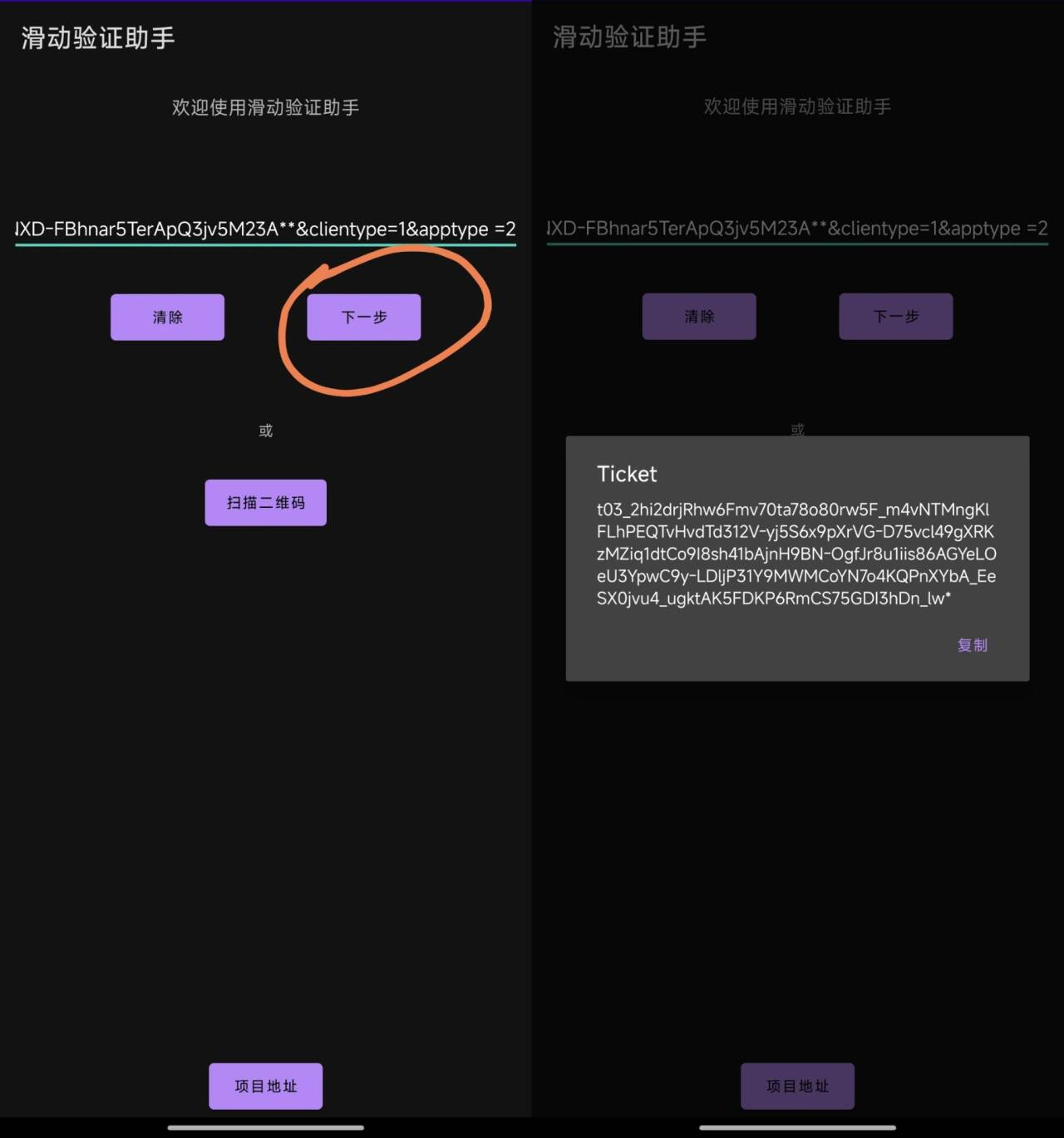
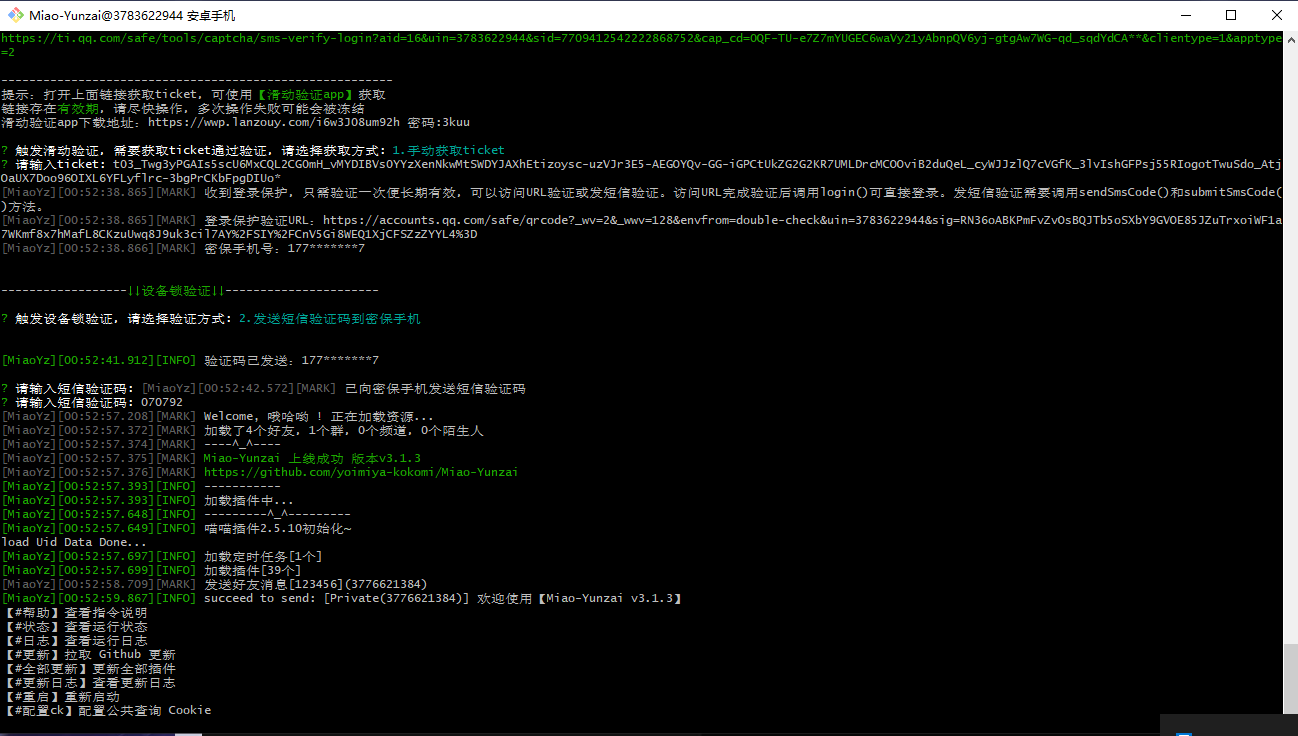
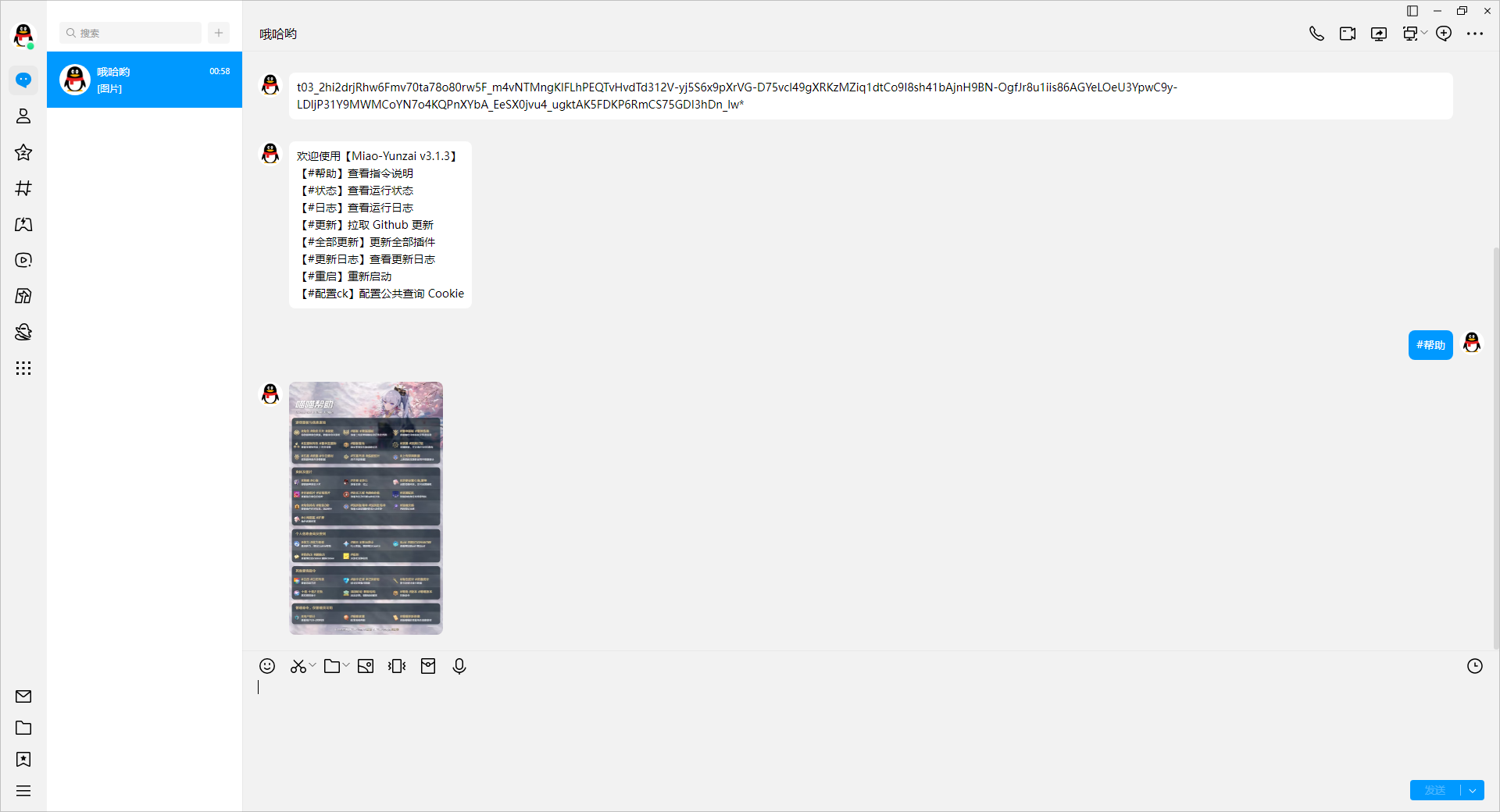
滑块验证选择手动获取 ticket,复制滑动验证链接到 app 获取,滑动验证 app 下载地址:https://wwp.lanzouy.com/i6w3J08um92h 密码:3kuu
插件安装
推荐安装下面脚本,如果需要安装其他插件可以到插件库自行选择安装,插件库地址:https://gitee.com/yhArcadia/Yunzai-Bot-plugins-index
所有插件安装都需要切换到喵崽根目录执行安装命令
逍遥插件
提供原神图鉴系列数据、以及米游社签到等功能
Gitee安装
git clone https://gitee.com/Ctrlcvs/xiaoyao-cvs-plugin.git ./plugins/xiaoyao-cvs-plugin/Github安装
git clone https://github.com/Ctrlcvs/xiaoyao-cvs-plugin.git ./plugins/xiaoyao-cvs-plugin/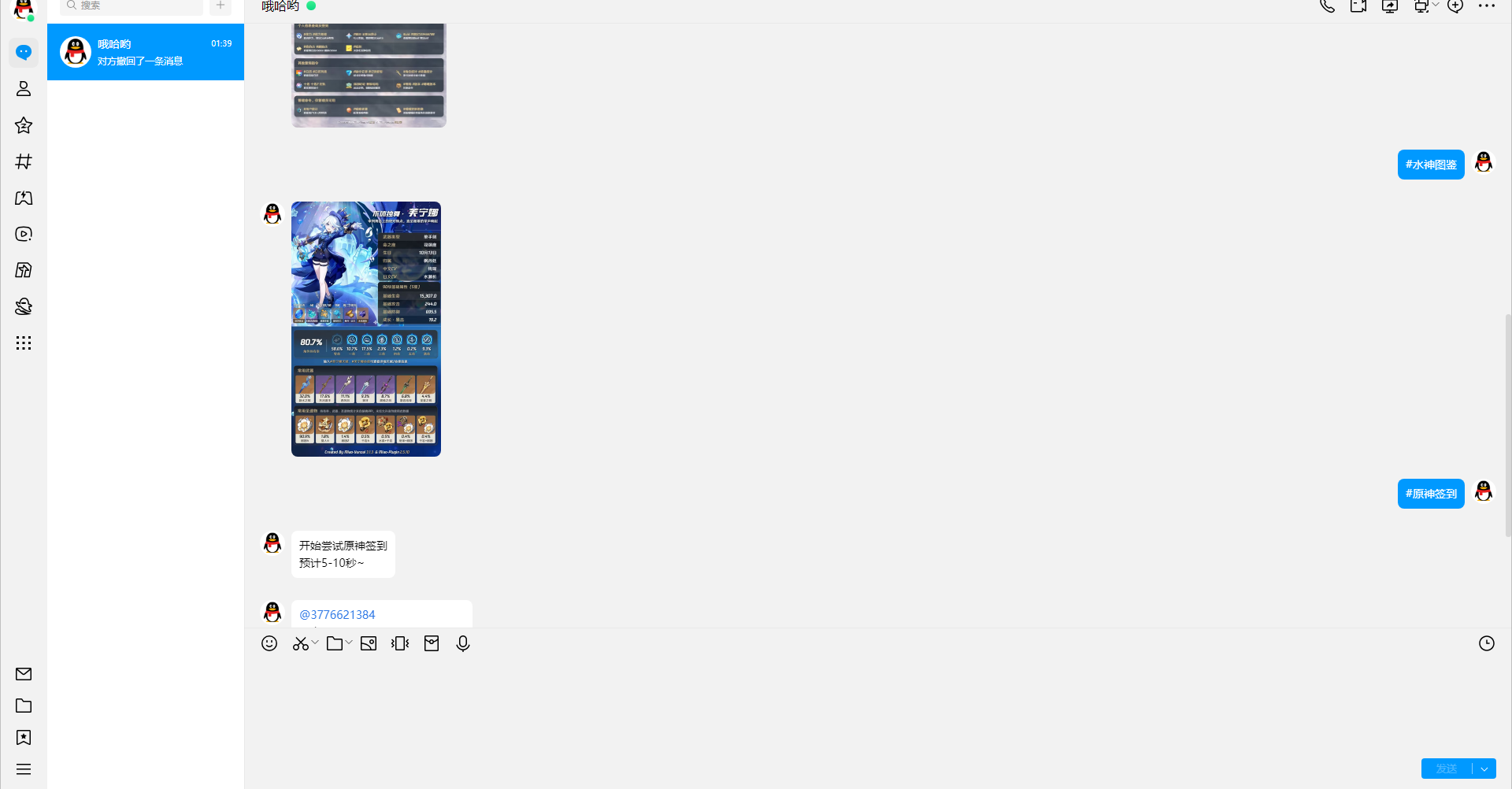
摩拉插件
Gitee安装
git clone --depth=1 https://gitee.com/Rrrrrrray/mora-plugin.git ./plugins/mora-plugin/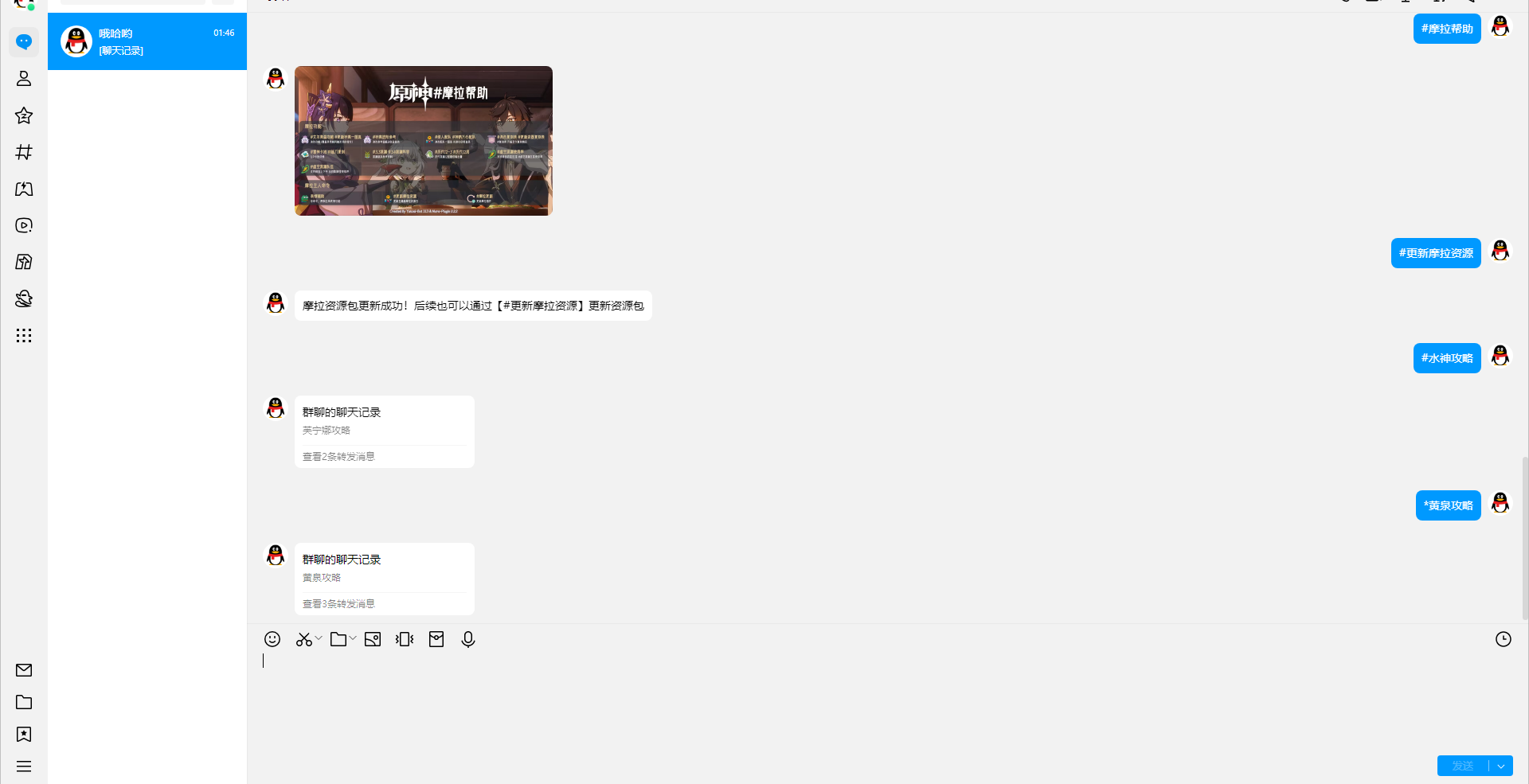
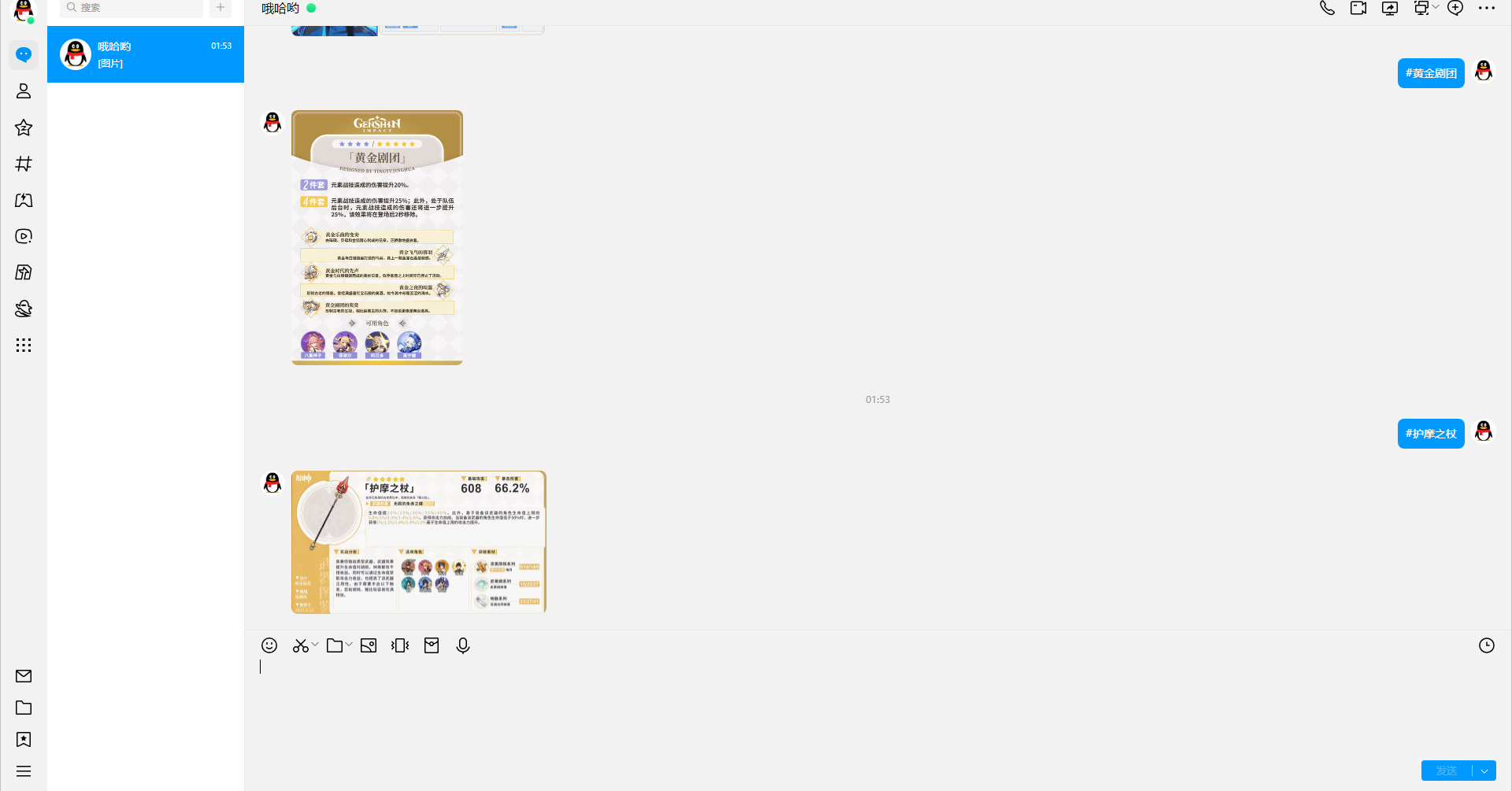
图鉴插件
查询原神、星穹铁道角色升级材料 圣遗物 武器等信息
Gitee安装
git clone --depth=1 https://gitee.com/Nwflower/atlas ./plugins/Atlas/Github安装
git clone --depth=1 https://github.com/Nwflower/atlas ./plugins/Atlas/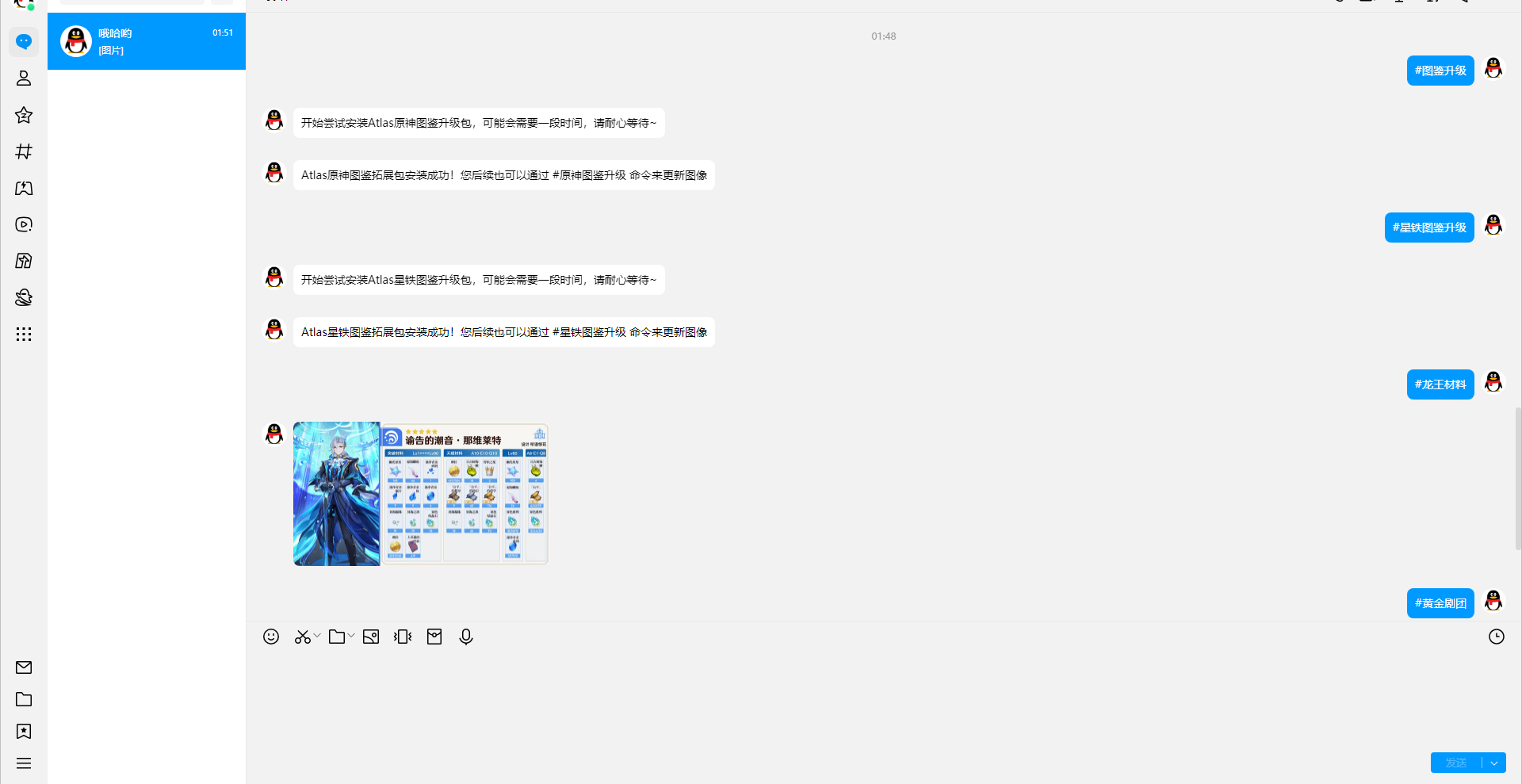
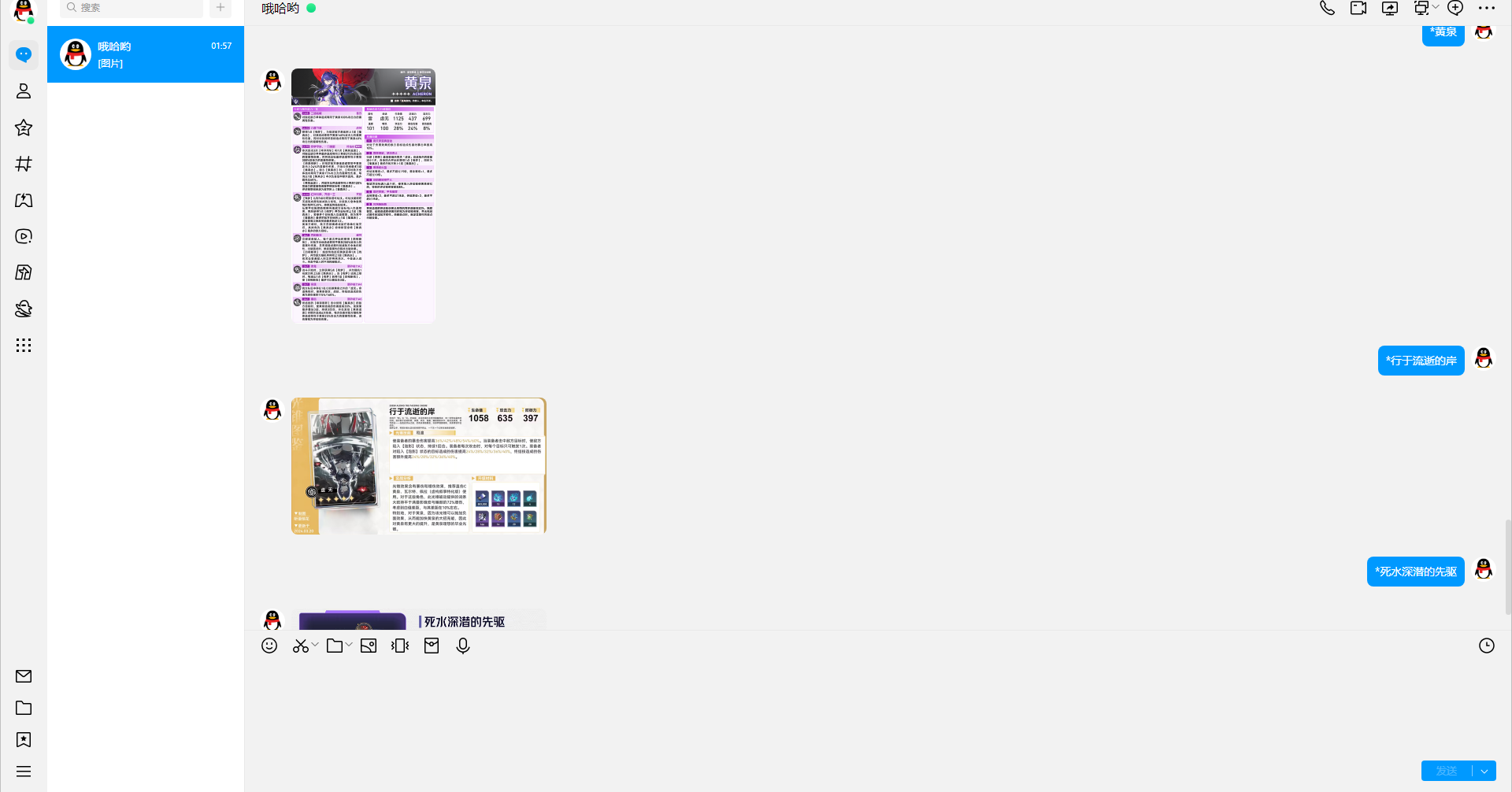
锅巴插件
Gitee安装
git clone --depth=1 https://gitee.com/guoba-yunzai/guoba-plugin.git ./plugins/Guoba-Plugin/Github安装
git clone --depth=1 https://github.com/guoba-yunzai/guoba-plugin.git ./plugins/Guoba-Plugin/安装依赖
pnpm install --filter=guoba-plugin